No GitHub · No code · Just Claude
Useful AI tools, no setup.
I build things with Claude and share them here so anyone can use them, not just people who code. Download one file, add it to Claude, done.
Why this exists
Good AI work shouldn't stay with the people who can code.
Most AI projects are shared on GitHub. To use one, you clone a repository, install tools, set up keys and type commands in a terminal. That shuts most people out. Here, every project is a single file you add to Claude. If you can attach a photo to an email, you can use these.
The usual way
Create a GitHub accountClone the repositoryInstall dependenciesSet up API keysRun commands in a terminal
Here
- Download one file
- Add it to Claude
- Ask for your first result
Projects
-
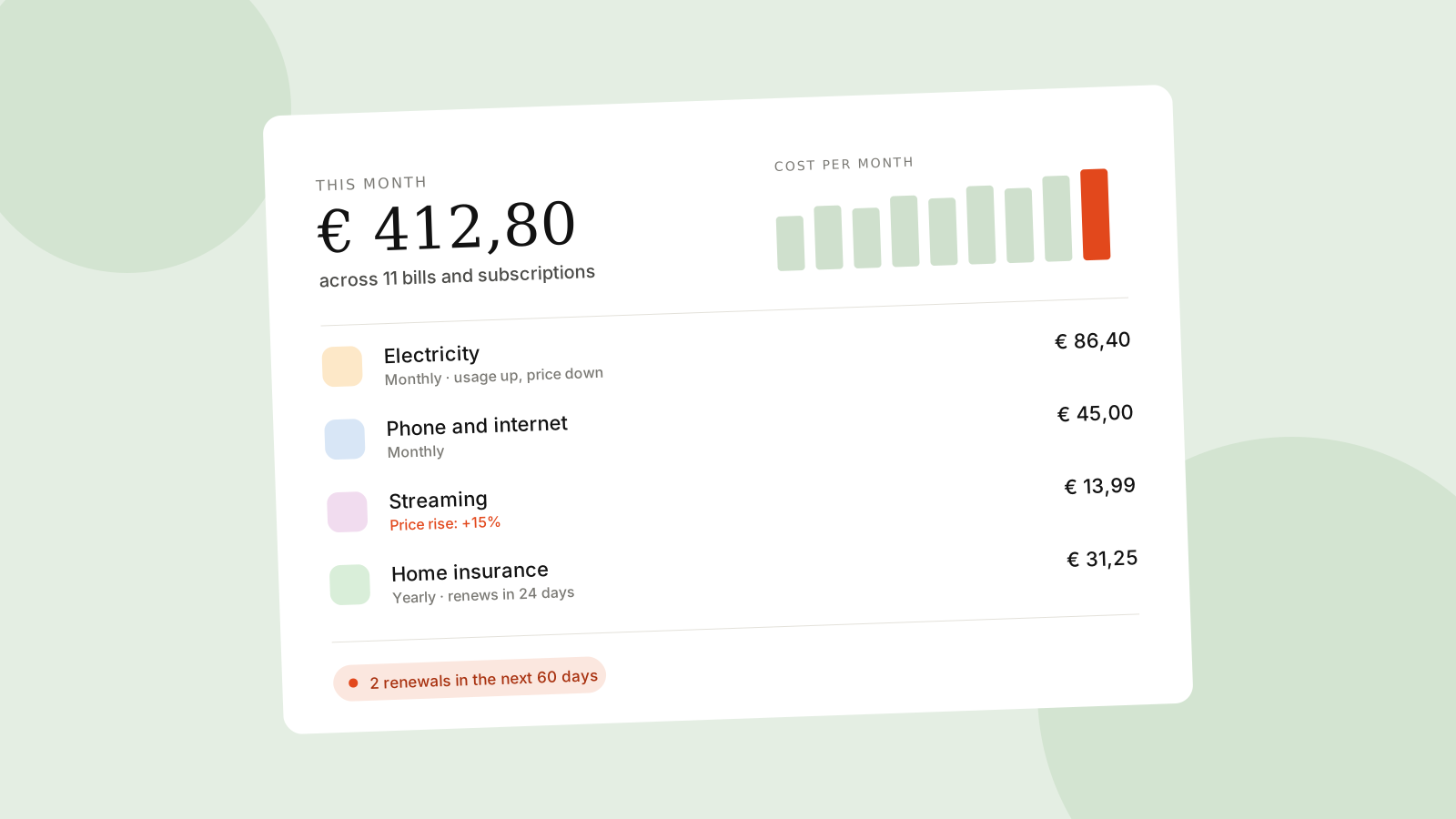
- Monthly
- In progress
Bills and Subscriptions Tracker
Finds every recurring bill and subscription in your email, tracks what each one costs over time, and sends you a monthly report with price rises and renewals coming up.
View project -
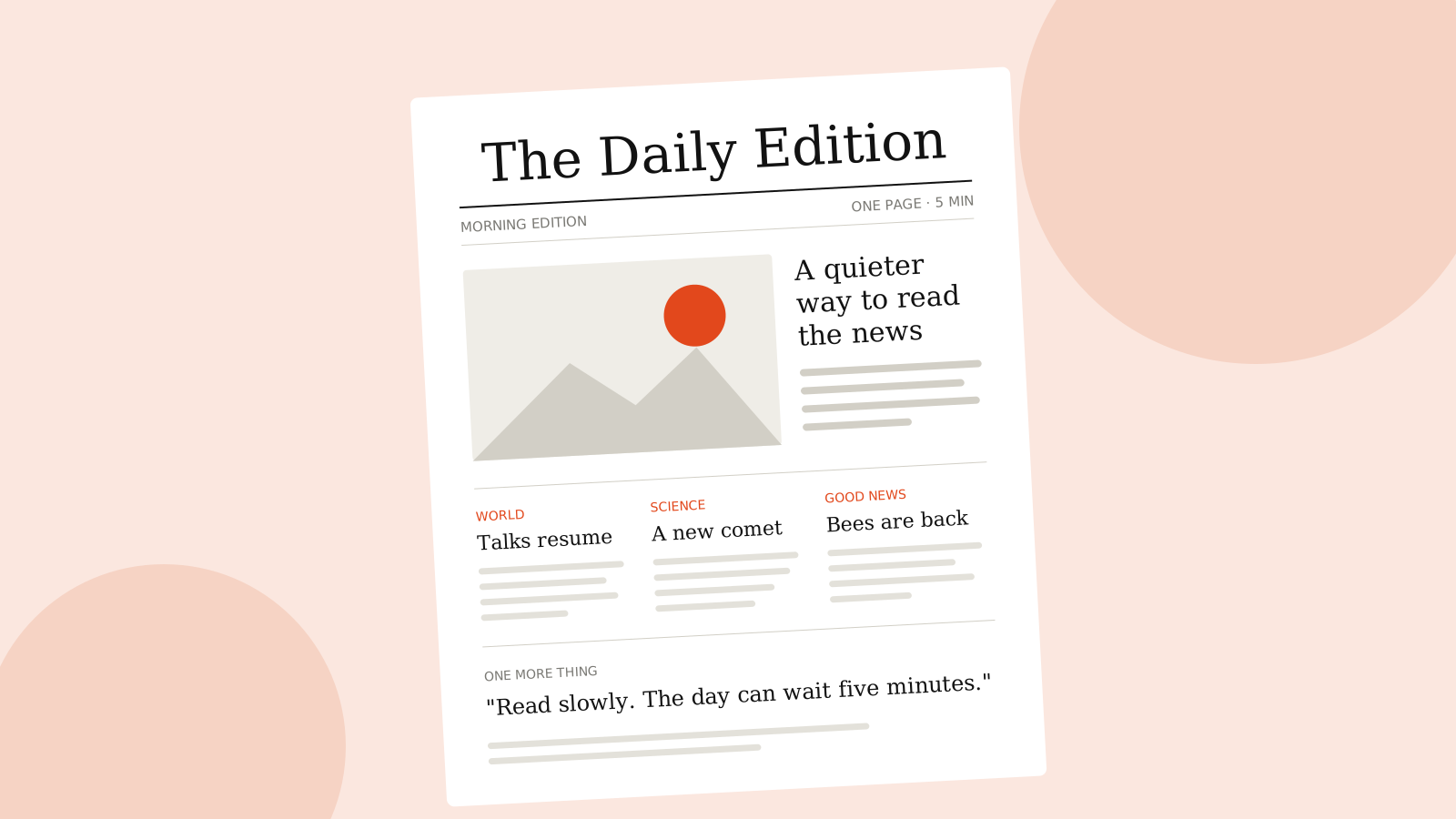
- Daily
- In progress
Personal Daily Newspaper
A one page newspaper for you or your family, on the topics you choose. Set it up once and a fresh edition arrives every morning.
View project -

- Daily
- In progress
Nightly Bedtime Story
A calm, age appropriate story to read aloud. Set it up once and a new story is ready every evening.
View project
Three steps, no code
-
Download the Skill
Each project comes as a small .zip file: the instructions Claude follows to do the job well.
-
Add it to Claude
Upload it once under Customize, Skills. It works in the Claude app on your computer, phone or browser.
-
Let it run
Ask for the first result, then let Claude schedule it. Scheduled projects keep arriving with no effort.